One meaning.
Across every form.
“Company name” here. “Client business” there. Give the same information a shared definition, so it can be reused with purpose.
Book a demoWatch the 30-second story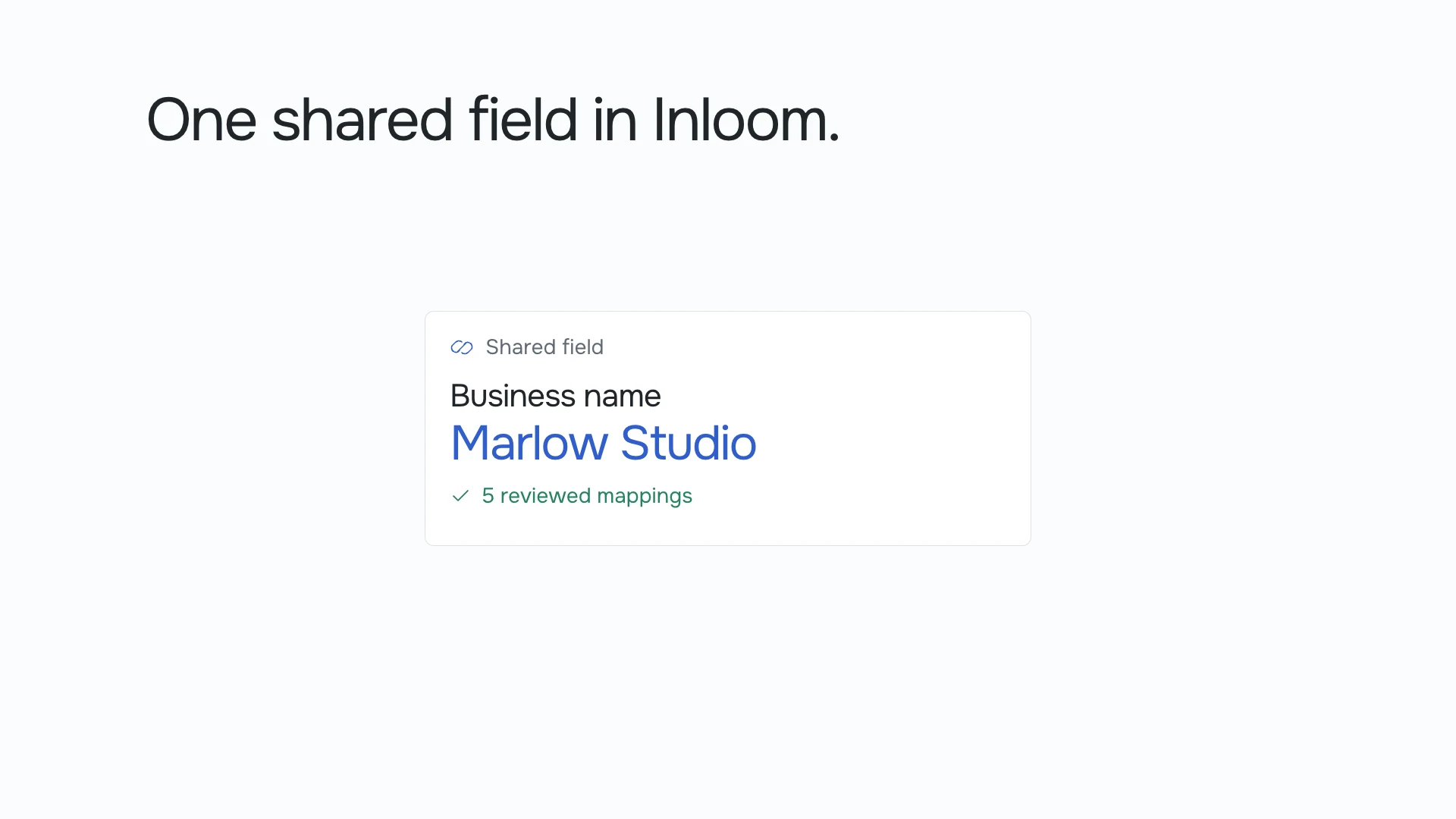
Five differently named questions are reviewed, then connected to one shared Business name field in Inloom.
The same answer.
A different question everywhere.
A PDF calls it “Company name”. Your CRM asks for “DBA”. A web form says “Business name”. Even when they need the same information, each field becomes another place to check and fill.
 PDF
- Company name
- Marlow Studio
Illustrative data. In this example, the fields refer to the same business name. That connection is reviewed, never assumed.
Start with what
the question means.
Give the information a clear shared definition. Then review which questions belong to it, using the document’s context and the kind of answer it needs.
“DBA” and “Doing business as” may refer to a trading name. A registered legal name can be different. Keep those meanings separate whenever the distinction matters to your process.
- Define the meaning before connecting the labels.
- Check the source, context and expected answer.
- Confirm each mapping before reusing the information.
Keep each question.
Share the answer.
A shared field gives your team one definition to reuse. The question on a client form can still say “Your business name”, while a document keeps its own wording and layout.
Connect the places that need the same information. Leave questions specific to a document or process independent.
Explore client formsOne answer.
More useful places.
Reuse the information you already have, through the connections configured for your workflow. Collect what’s missing, then carry those answers into the destinations your team has mapped.
A form, a document, a table, an Excel file or a CRM record can each need the same detail. The mapping tells Inloom where it belongs.
Explore connection optionsAvailable connections and delivery actions depend on your product, permissions and setup. We’ll work through your requirements in a demo.
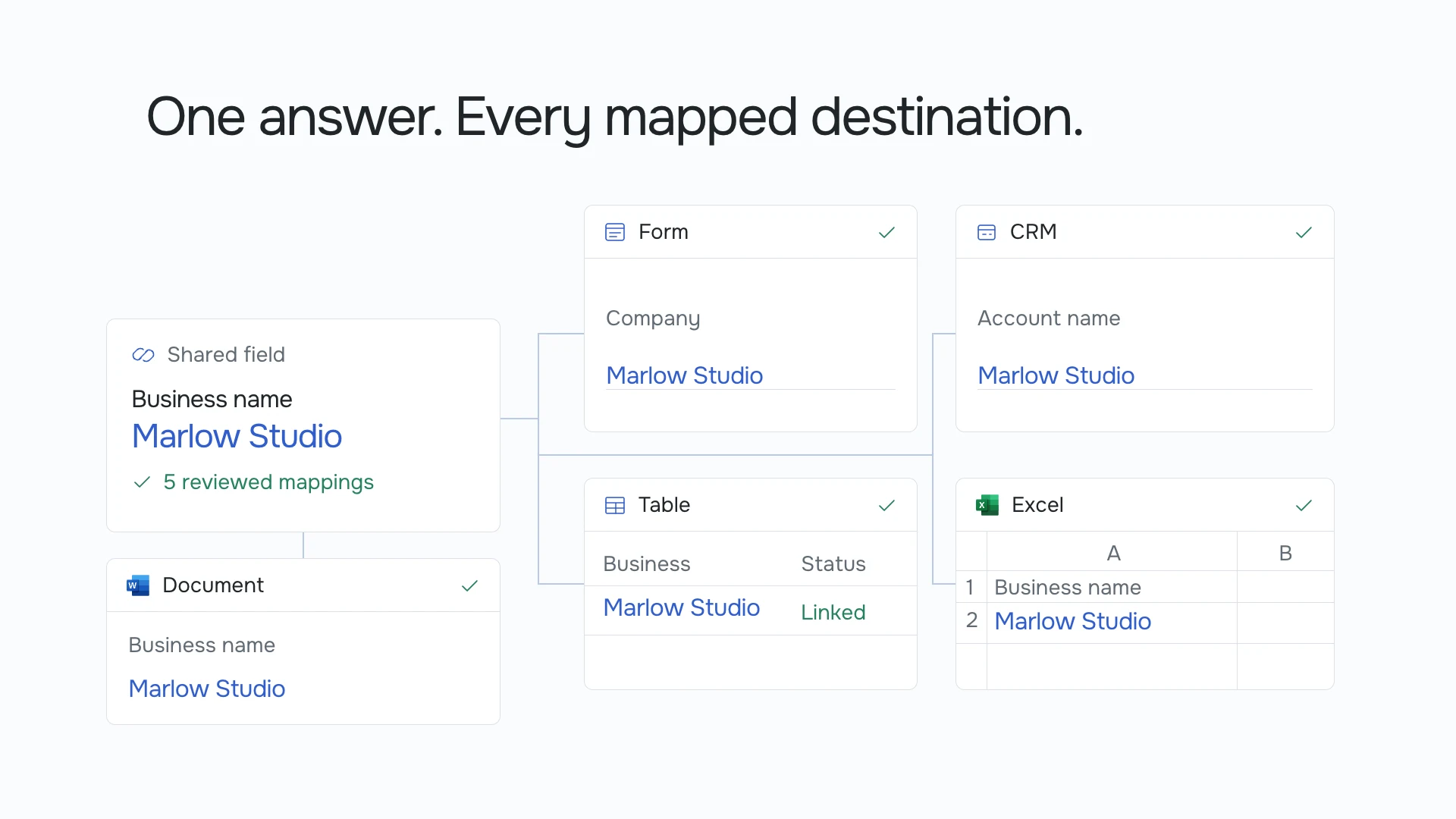
Marlow Studio moves from a shared Business name field into a form, CRM, table, Excel file and document.
A little more detail.
What is a shared field?
A shared field defines a piece of information your team wants to reuse, such as a business’s trading name. Reviewed mappings connect questions in different places to that definition, so they can use the same answer.
Are similar questions joined automatically?
No. Your team reviews the connections. A suggestion is not the same as an approved mapping.
Can a question stay specific to one document?
Yes. Share information where it makes sense and keep document-specific questions independent.
Are “DBA” and “Company name” always the same thing?
No. A trading name can differ from a registered legal name. The film shows a specific workflow where the team has confirmed the fields mean the same thing. Keep them separate when their meanings differ.
Do we have to rename our questions?
No. A shared definition connects the meaning behind the question. Your client form and documents can keep the wording that makes sense in their own context.
Can we reuse information from a CRM or API?
Where the right connection and permissions are configured, existing information can be used in the fields your team has mapped. Connection availability and delivery actions depend on your product and setup.
What happens when our process changes?
Review the shared definition and its mappings before reusing the information in a changed process. Check whether each question still asks for the same thing and whether the intended destination is still appropriate.
Let’s put your paperwork
to work.
Tell us what your team needs to get done. We’ll show you where Inloom fits.
Book a demo