
Your PDFs.
A smarter starting point.
Keep the documents your business already uses. Turn their questions into a form your team can review and refine.
Book a demoWatch the 35-second storyA stack of PDFs becomes one question set. Connected information fills known answers, then the documents are prepared for review.
One detail.
Too many places to type it.
A name in your CRM. An answer in a spreadsheet. A question on another form. Every new document becomes another round of finding, checking and filling.
 Client profile
- Business name
- Marlow Studio
- Contact name
- Alex Morgan
 Service agreement
- Company name
- Marlow Studio
- Full name
- Alex Morgan
 Project tracker
- Business
- Marlow Studio
- Contact
- Alex Morgan
An illustrative example of the repetition. Your existing PDFs are where Inloom starts.
Your PDFs already know
what to ask.
Bring in the forms your business already uses. Inloom identifies their questions so you have a starting point to review, rather than a blank form to rebuild.
- Check the labels, field types and question order.
- Keep the questions that belong in your client form.
- Refine the draft before putting it to work.
Questions from a client profile PDF move into one question set: Business name, Contact name and Project name.
Give the same answer
a little more reach.
Bring information from the systems your team uses, through the connections configured for your workflow. Review which questions share a meaning, then map the answers to their destinations.
A business name can be reused across the right documents. A question that means something different stays separate.
Explore shared fieldsFind your connection optionsSalesforce, HubSpot and Google Sheets illustrate possible information sources. Business name and Contact name are filled; a missing Project name is then collected.
Connection availability and permissions depend on your product and setup. We’ll work through the right options with you.
One set of answers.
A packet ready to check.
Give your client a focused form for what’s missing. Carry those answers through the documents you’ve mapped, with your team in control of the final review.
Your documents keep their purpose. The information between them becomes connected.
See document workflows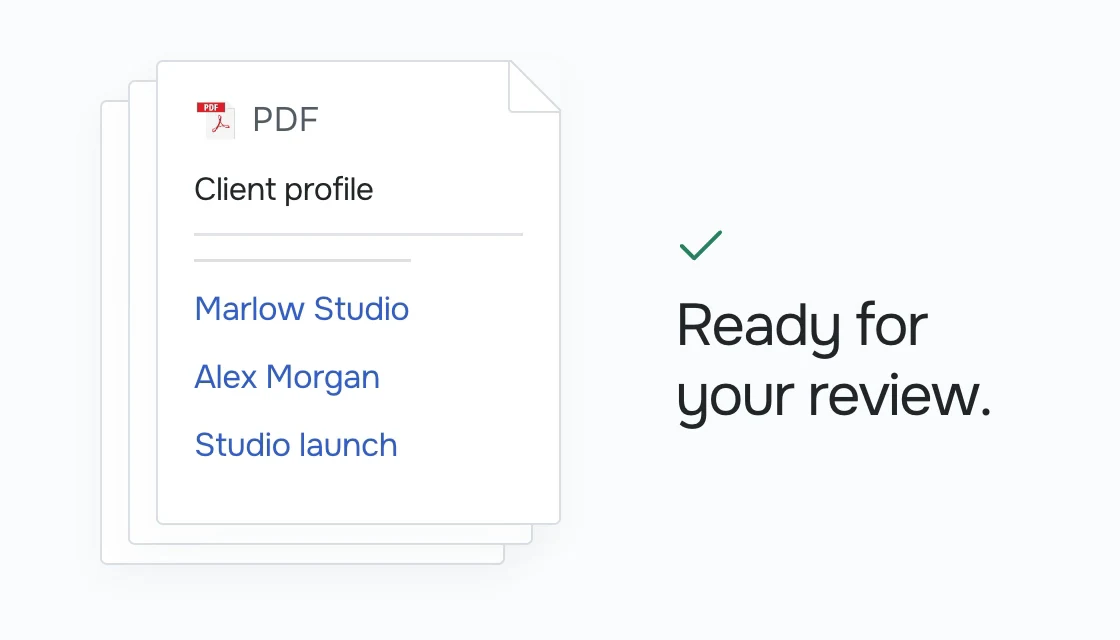
A little more detail.
Do I need to replace my documents?
Your existing PDFs are the starting point. Inloom adds a reusable layer of questions and information around them.
Can my team check the result?
Yes. Question extraction is a starting point for review, not an instruction to accept every suggestion.
What happens when two questions look similar?
Your team reviews whether they mean the same thing before connecting them to a shared field. Similar wording alone is not a reason to merge information.
Can we use information we already have?
Where the appropriate connection and permissions are configured, you can reuse existing information in the fields you have mapped. Ask clients for the missing details instead of collecting everything again.
Are the documents sent automatically?
No. Preparing your packet does not authorise sending it. Your team’s review and approval for the next step remain explicit.
Let’s put your paperwork
to work.
Tell us what your team needs to get done. We’ll show you where Inloom fits.
Book a demo